Turn your team into confident Claude users.
- 01 A custom plan built around every person's role
- 02 A senior coach and a second facilitator with your team
- 03 Optional follow-up coaching after the training
We reply within one business day
Every role gets its own day.
Sound familiar?
You bought the seats, but usage is low
People log in, ask a few questions, and go back to the old way. Nobody showed them what to hand off first.
No real workflows yet
There are experiments, but nothing your team runs every week that saves real hours.
Your know-how isn't inside Claude
Processes, templates and hard-won knowledge live in people's heads and shared drives, not where Claude can use them.
Engineering is changing faster than the team
Claude Code and agent teams change how software gets planned, written and reviewed. Your engineers need a shared way to work.
Four steps.
- 01
We learn your business
A short call with leadership about goals, workflows, data rules and which teams go first.
- 02
We build a plan for every person
A short questionnaire per attendee, then exercises built on their own work. Your controller and your sales lead get different days.
- 03
Training day: hands on keyboards
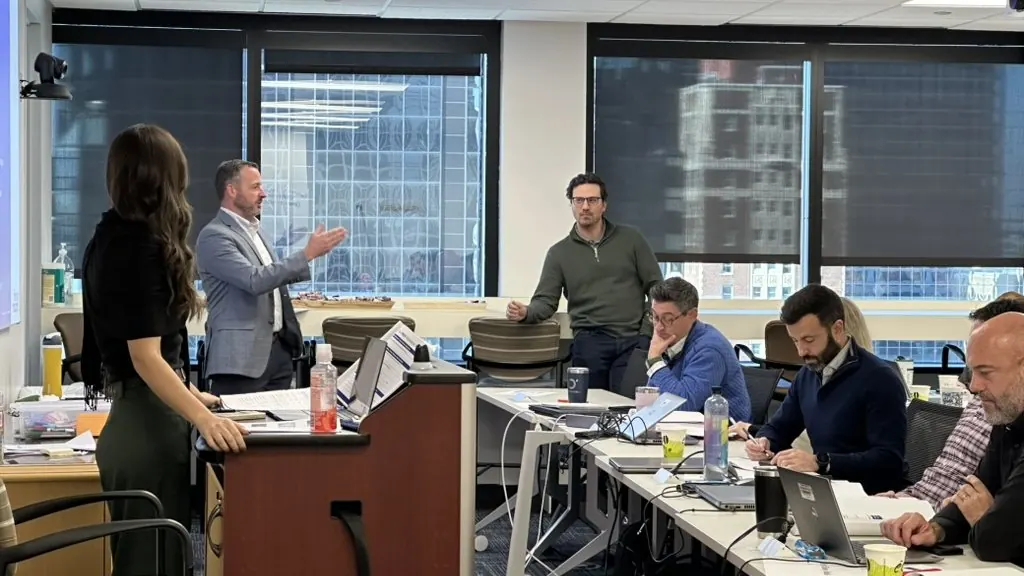
Everyone works on their own laptop and their own tasks with two facilitators in the room. By the afternoon, people are showing each other what they built.
- 04
Support afterward
Optional follow-up coaching for questions, new builds and the next group to train.
Pick the session.
Delegating work to Claude
For teams still using Claude like a search box. People learn to give complete assignments, save the instructions that work, and hand off a weekly task.
Ask about this →Leaders and managers
Leaders write down how important work gets done so Claude and their teams can follow it, and decide what to roll out next.
Ask about this →Role-specific
One department, one kind of work. Every example comes from that team's real recurring tasks.
Ask about this →Engineering teams
Claude Code, the AI-native SDLC and agent teams, run inside your own repos with your review gates.
Ask about this →How long, how many.
Up to 20 people per hands-on session in person. Larger groups on video.
90 minutes
One or two ideas shown live, plus an exercise everyone can follow. Good for an all-hands or offsite.
Half day
A focused start for people new to Claude. Hands-on, on each person's own work.
Full day
The most popular format. Everyone builds and shares a working workflow by the end of the day.
Two half-days
The full day split in two, with time in between to try it at work.
Not notes. Working tools.
- Less anxiety, more confidencePeople leave knowing how to work with Claude, not worried about it.
- Working workflowsBuilt on your own work during the session, ready to use the next morning.
- Your know-how inside ClaudeProcesses, templates and examples loaded into Projects and skills where the team can use them.
- A rollout planWhat to standardize, which team goes next and how to tell if it's working.
Worried about your data?
Your data isn't used for training
We train on Claude's business and enterprise plans, whose terms say your data is not used to train models.
Responsible use, taught on the day
Data handling, privacy settings and your own AI policy are part of the session.
Clear rules before we start
If live data isn't appropriate, people work with redacted or sample material instead.
What you'll need ready.
We handle the rest.
- A laptop and an approved Claude account for each person
- Written guidance on which Claude features and data people may use
- One person to coordinate attendees, scheduling and IT questions
- A few sentences from leaders on what should change after the training
Ready to train your team?
Tell us about your team. We'll set up a short scoping call and reply within one business day.
Before you ask.
Our people aren't technical. Will they get value?
Yes. Most of the people we train are operators, managers and specialists, not engineers. The day is built around their own work, so it feels like delegating, not coding.
Is our company data safe?
We train on Claude's business and enterprise plans, whose terms say your data is not used to train models. We'll walk your IT or security lead through the settings before the day.
How is this different from a webinar or online course?
Courses teach general ideas. We build with your team on their actual tasks, so they leave with workflows that work, not notes.
How many people can you train?
Up to 20 per hands-on session in person, more on live video. For larger teams we run several sessions so departments stay staffed.
Do you train on-site or virtually?
Either. In-person sessions run at your office with facilitators in the room. Live virtual sessions run the same hands-on exercises over video, which works well for distributed teams.
What does it cost?
Private sessions start at $4,500. We quote after a short scoping call, based on format, group size and days on site.